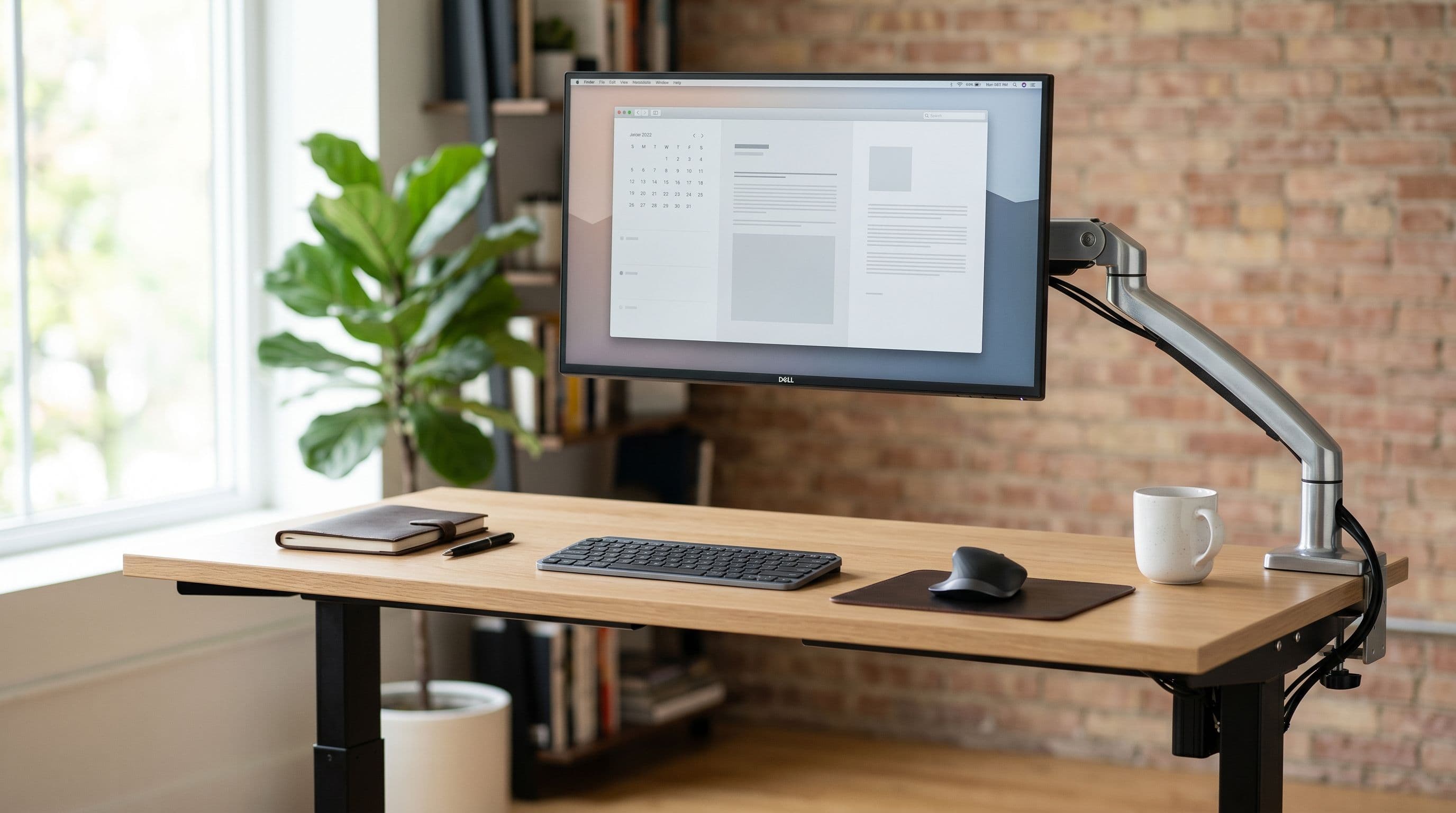
A single 27-inch monitor needs a desk at least 90 cm wide and 55 cm deep. Dual 27-inch panels need 130 cm.
A 34-inch ultrawide fits on 110 cm but feels cramped without 120. These numbers come from actual panel widths in manufacturer spec sheets, not guesswork. Below, we cover every common size so you buy the right desk the first time.
How We Calculated These Numbers
We took the panel width from each manufacturer's spec sheet, added 5-10 cm of side clearance for peripherals, and checked whether the depth left enough room for OSHA's recommended 50-76 cm viewing distance. You can test any combination yourself in the desk setup planner.
24-Inch Monitors
A 24-inch 16:9 panel is about 55 cm wide. The ASUS VG249Q1A measures 54 cm across and ships with a stand roughly 22 cm deep. An 80 cm desk works, though 100 cm is more comfortable once you add a keyboard and mouse. Depth is forgiving: 50 cm is fine because the ideal viewing distance is only 50-65 cm.
Minimum desk: 80 x 50 cm. Recommended: 100 x 55 cm.
27-Inch Monitors
The most popular desktop size. A 27-inch panel runs 61-62 cm wide.
The Dell U2723QE measures 61.1 cm; the LG 27GP850 comes in at 61.4 cm. On a 90 cm desk you get about 14 cm of clearance per side, enough for a mouse but tight with speakers. A 120 cm desk is the sweet spot, giving you 29 cm per side for speakers, a phone stand, or a drink.
The Dell U2723QE stand is 24.4 cm deep. With the stand about 30 cm from the front edge, the screen sits roughly 60 cm from your eyes, right inside the 60-75 cm recommended range for this size.
Minimum desk: 90 x 55 cm. Recommended: 120 x 60 cm.
32-Inch Monitors
At 32 inches, depth becomes the real constraint. The panel is about 71 cm wide, so width is rarely the problem.
But viewing distance jumps to 70-85 cm, and a 50 cm deep desk puts your eyes about 55 cm from the screen with a stock stand. That's too close. You'll scan across the panel instead of viewing it.
Get a desk at least 60 cm deep, or use a monitor arm to push the screen behind the desk's back edge. An arm reclaims the full stand footprint (typically 20-25 cm deep).
Minimum desk: 100 x 60 cm. Recommended: 120 x 65 cm.
34-Inch Ultrawide (21:9)
The LG 34WN80C panel is 81 cm wide. On a 100 cm desk, that leaves 9.5 cm per side. Your mouse pad won't fit beside it. A 120 cm desk gives you 19.5 cm per side, which works but is still snug with desktop speakers.
We tested an IKEA LAGKAPTEN 120x60 with a 34-inch ultrawide. It fits, but only if you skip speakers or push them behind the monitor. A 140 cm desk gives you real breathing room. Depth is less of a concern than with 32-inch panels because ultrawides are shorter vertically, so the 65-80 cm viewing distance is easier to hit on a 60 cm desk.
Minimum desk: 110 x 60 cm. Recommended: 140 x 65 cm.
49-Inch Super Ultrawide (32:9)
The Samsung Odyssey G9 is 120 cm wide. It's wider than some desks. A 140 cm desk gives you 10 cm on each side, barely enough for cable routing. 160 cm is where this monitor actually becomes comfortable.
The G9's vertical height matches a 27-inch panel, so the 80-100 cm viewing distance works on a 65 cm desk with an arm. The stock stand has a 30 cm deep footprint that eats your usable surface. A monitor arm is practically required.
Minimum desk: 140 x 65 cm. Recommended: 160 x 70 cm.
Dual Monitor Setups
Two 27-inch monitors side by side span about 124 cm. On a 130 cm desk that technically fits, but leaves 3 cm per side. The IKEA LAGKAPTEN 140x60 handles dual 27s properly; the Secretlab Magnus 150x70 adds room for peripherals. Dual 24-inch panels total about 110 cm, so a 120 cm LAGKAPTEN fits them with 5 cm to spare on each side.
For positioning tips (centered gap vs. primary-secondary angling), see the multi-monitor layout guide.
Minimum desk for dual 27": 130 x 55 cm. Recommended: 140 x 60 cm.
Triple Monitor Setups
Three 24-inch panels need at least 160 cm of width. Three 27-inch panels need 190 cm, limiting you to desks like the Secretlab Magnus Pro XL (177 cm) or the IKEA BEKANT 160x80. Angling outer monitors inward 20-30 degrees shaves 15-20 cm off the total width, often the difference between fitting and not.
When the Desk Is Too Small
If you already own the desk, you have options before replacing it. A monitor arm reclaims 15-25 cm of depth. Wall mounting eliminates the desk footprint entirely. And an IKEA desk swap might be cheaper than you think: the LAGKAPTEN 140x60 tabletop runs under 0.
OSHA's guideline is 50-76 cm from eyes to screen. If your current setup puts you closer than 50 cm, your desk is too shallow for that monitor without an arm. Farther than 76 cm? You can probably downsize.
Quick Reference
24" single: 80 x 50 cm min, 100 x 55 cm recommended. 27" single: 90 x 55 cm min, 120 x 60 cm recommended. 32" single: 100 x 60 cm min, 120 x 65 cm recommended. 34" ultrawide: 110 x 60 cm min, 140 x 65 cm recommended. 49" super ultrawide: 140 x 65 cm min, 160 x 70 cm recommended. Dual 27": 130 x 55 cm min, 140 x 60 cm recommended. Triple 24": 160 x 55 cm min, 180 x 60 cm recommended.
All numbers assume stock stands. With a monitor arm, subtract 10-15 cm from depth and 5-10 cm from width. Plug your exact desk and monitor into the desk setup planner to see the clearances for yourself.